
Power backup guide
What Is an Online UPS System? A Simple Guide
An online UPS keeps your equipment running on clean power, with no break when the light goes. Here is how it works and when you need one.
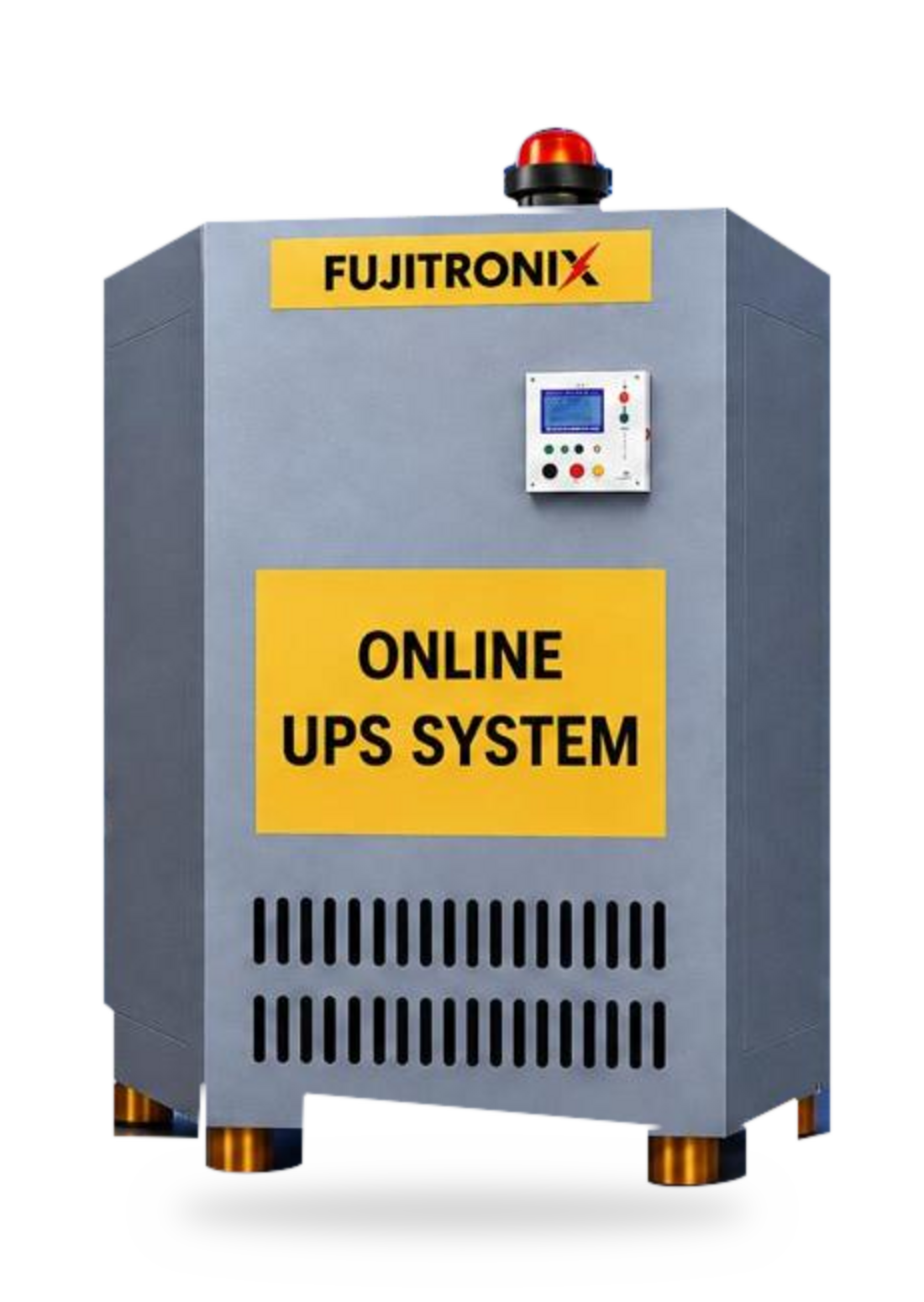
The short answer
An online UPS (uninterruptible power supply) is a power backup system that always powers your equipment through its own inverter. Because the equipment is never connected straight to the mains, there is no switch-over when the power fails. The load keeps running, with zero break. This is why it is called a true online, or double-conversion, UPS.
How an online UPS works
It works in three simple steps. First, the incoming power is converted into direct current (DC). This charges the batteries. Second, the inverter turns that DC back into clean, steady power for your equipment. Third, if the mains fails, the batteries keep feeding the inverter, so the output does not change at all.
Because the power is rebuilt inside the UPS, spikes, dips and noise from the mains do not reach your equipment. That is the second big benefit, apart from backup.
Online UPS, line-interactive and offline UPS
- Offline UPS: runs your equipment on mains and switches to battery when the power fails. There is a short gap, and the mains is not cleaned while it is on.
- Line-interactive UPS: also switches over, but it can correct small voltage changes. A short gap still exists.
- Online UPS: always runs your equipment from the inverter. No gap and the cleanest output.
Online UPS or inverter?
A home inverter is meant for lights, fans and simple loads. When the power goes, it switches over after a short moment. Many computers and sensitive machines restart in that moment. An online UPS has zero transfer time, so the computer stays on and your work is safe. If a restart would cost you data, production or patient safety, choose an online UPS.
Where online UPS systems are used
- Server rooms, data centres and IT offices
- Hospitals, labs and clinical equipment
- Factories, control panels and machines with sensitive electronics
- Banks, retail billing counters and showrooms
- Lifts and building systems, where a controlled backup is needed
What to check before you buy
- The real load you want to protect, in kVA or kW
- Single phase or three phase supply and output
- How long you want the system to run on battery
- The battery type, such as lead-acid or lithium, and the space available
- Installation, service and maintenance support after purchase
Two UPS units with the same kVA can have very different battery setups, so always compare the full scope.
Frequently asked questions
What does an online UPS mean?
An online UPS runs your equipment from its own inverter all the time. When the power fails, nothing switches over, so there is no break at all.
Is an online UPS better than an offline UPS?
For sensitive equipment such as servers, medical devices and control systems, yes. An offline UPS has a short gap when it switches to battery, and it does not clean the power while mains is on.
Can I use an inverter instead of an online UPS for computers?
An inverter has a short switch-over time, so some computers restart when the power goes. An online UPS has zero transfer time, so the computer keeps running without a restart.
How do I choose the size of an online UPS?
Add up the load you want to protect, decide how long you want it to run on battery and check whether your supply is single phase or three phase. Share these with our team and we will size it with you.