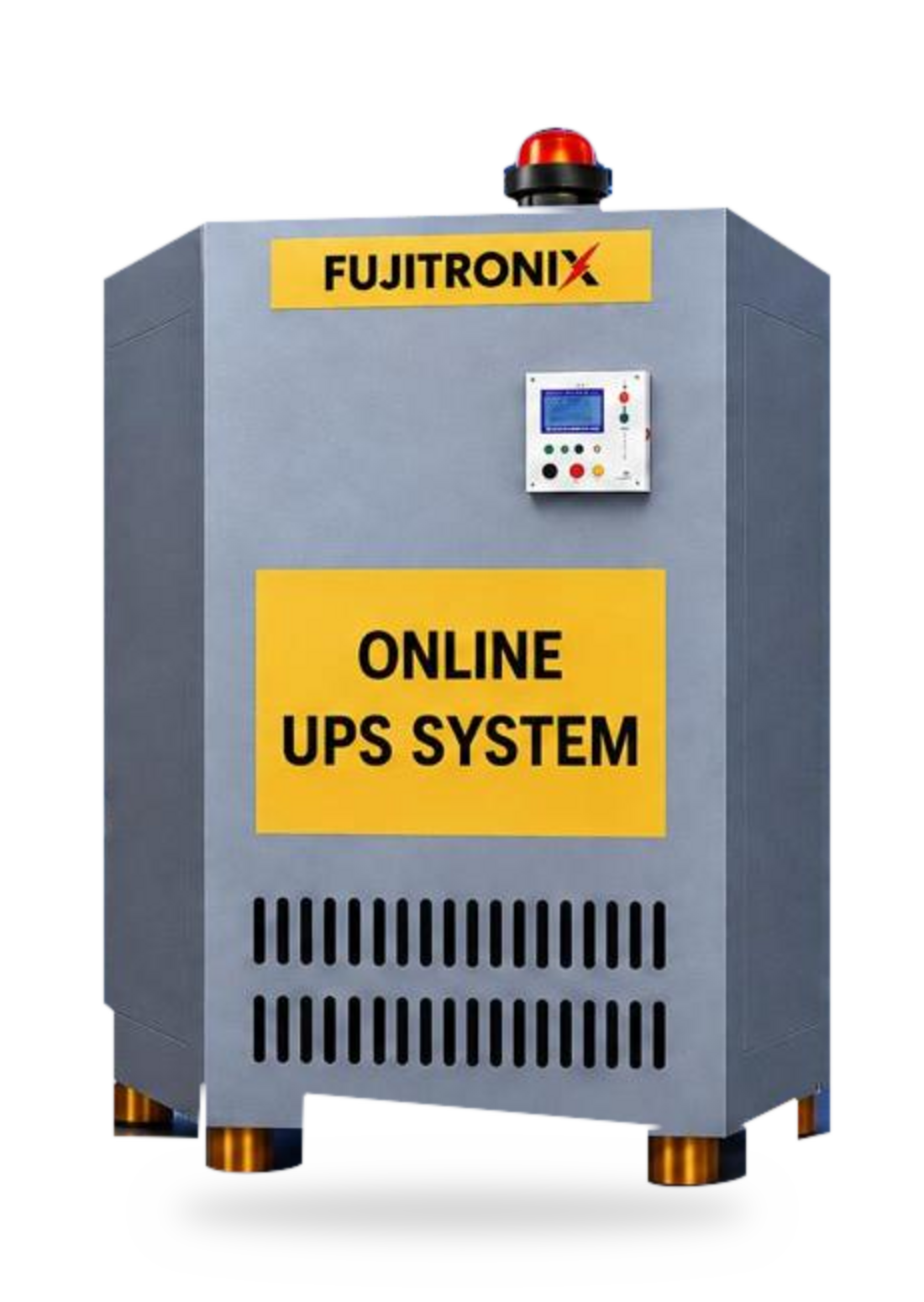
Read the machine's data plate or manual for its rated power. Add the chiller, exhaust and the control PC if they share the same supply. A UPS used only for the machine and sized from these numbers works better than a bigger shared one.
Short cuts and voltage dips can stop a long job halfway and waste material. Spikes can hurt the control board and the laser source. A UPS keeps the machine on steady power so a short cut does not become a repair bill.
Broken or wasted jobs
Stress on the control board and laser source
Machine restarts and re-setting time
Lost production hours
02
Dedicated UPS
Why a machine should have its own UPS.
When the UPS is shared with office loads, a fan or computer added later can overload it. A dedicated UPS for the machine keeps the rating clear and the backup dependable.
03
Sizing
Use the machine's real rating.
Ask the machine supplier for the rated power, including chiller, exhaust and compressor if they are on the same line. Tell us, and we will pick a UPS with the right rating and some room for safe running. Do not pick a size only because it sounds right.
04
How long
You may only need minutes.
Most workshops want enough time to finish the cut or stop the job safely. Longer backup is possible, but it needs more batteries. Tell us what you need.
05
Support
Installation and service in your workshop.
We can plan the cabling, earthing and battery space, and support the UPS after installation with maintenance options.
Before you ask for a quote
Four questions that decide the right system.
Clear answers at the start save time and avoid a wrong size or a missing accessory.
01
What is the machine's rated power?
Check the data plate or manual, and include the chiller and exhaust if they share the line.
02
Is the supply single or three phase?
The input and output phase must match the machine.
03
How long should it run?
Finishing a cut safely needs less battery than running the shop.
04
Will anything else share the UPS?
Keep it dedicated to the machine for best results.
Avoid these
Common mistakes we see.
01Choosing a size from a guess
02Sharing the machine UPS with office loads
03Forgetting the chiller or exhaust
04Skipping earthing and ventilation checks
Where it fits
Who this page is for.
Every site is different, so the final choice always follows your load and your site.
01Signage and LED sign makers
02Laser cutting and engraving shops
03CNC routers and machining shops
04Acrylic and metal fabrication
05Printing and packaging machines
06Workshops with sensitive control boards
Frequently asked questions
Straight answers before you decide.
Short, practical answers. If your case is different, call us and we will look at it with you.
01Does a laser cutting machine need a UPS?+
Yes, if your power has cuts or dips. A UPS keeps the machine steady so a short problem does not break the job or stress the machine.
02How do I size a UPS for a laser or CNC machine?+
Use the machine's rated power from the data plate and add the chiller or exhaust if they share the supply. Share the numbers and we will suggest the right rating.
03Should the UPS be shared with the office?+
Keep it dedicated to the machine if you can. Shared UPS units are easy to overload when new equipment gets added.
04How much backup time do I need?+
Many workshops only need minutes to finish a cut or stop safely. Tell us your goal and we will size the battery for it.
05Do you supply and install in Delhi NCR?+
Yes. Call +91 98184 67490 and we will plan the UPS, installation and service with you.